Skip to content
TH

Preliminary ROI calculator

Estimate potential time savings and simple payback using your own assumptions.

Preliminary ROI calculator

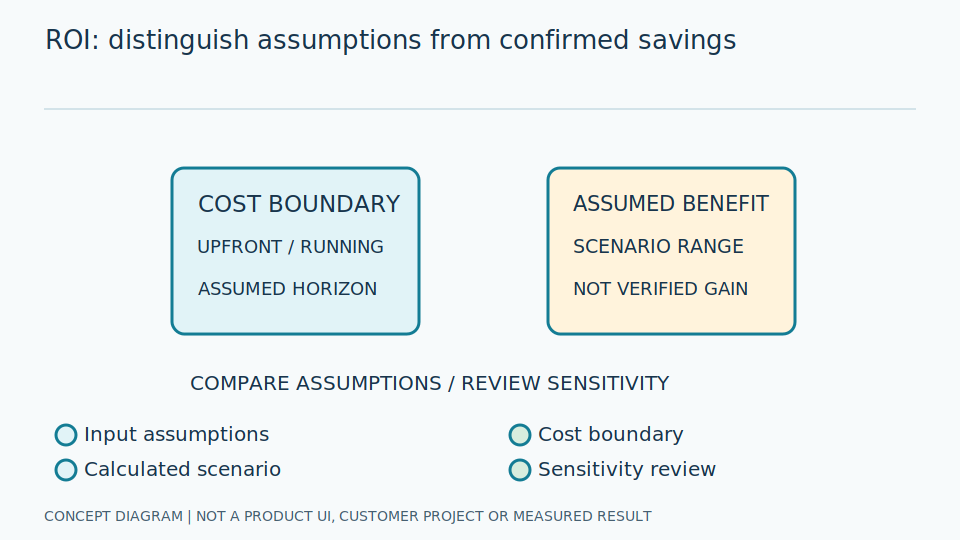
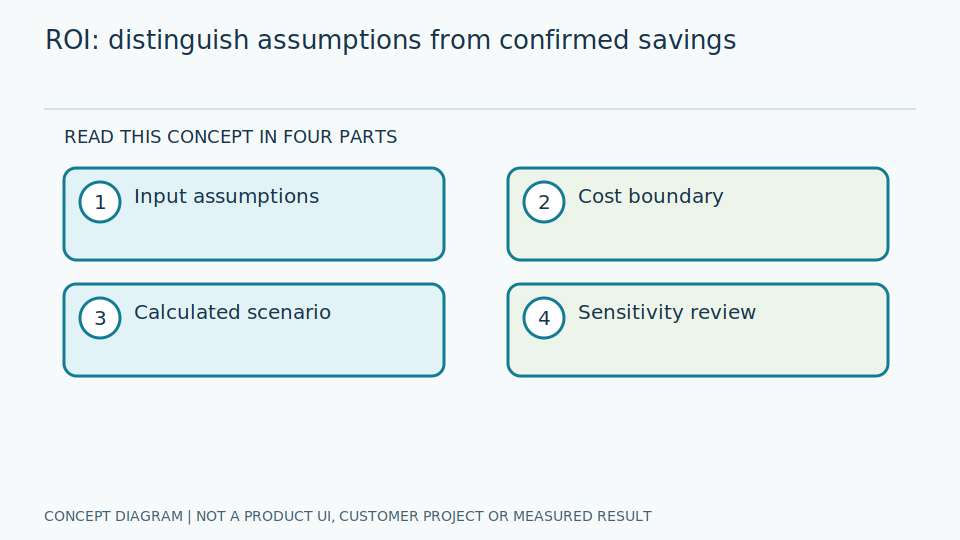
Conceptual illustration, not a product screenshot or measured result.

This is not a quotation or a savings guarantee. Inputs stay in your browser. The calculated labor value represents time potentially available for other work, not automatic cash savings.

Points with similar reading schedules.

Include travel, reading and recording; measure the site average.

Use actual rounds, not an ideal schedule.

Account for holidays and shutdowns.

Use your accounting method, without personal employee data.

Net of review, rereading and system operation; validate in a pilot.

Include hardware, installation, integration, training and setup.

Include licenses, cloud, connectivity, maintenance and model review.

Example numbers explain the formula only; they are not GaugeSnap pricing or performance results.

Formulas

  • Annual manual hours = points × minutes per point × rounds per day × working days ÷ 60.
  • Hours saved = annual manual hours × time reduction ÷ 100.
  • Net annual benefit = hours saved × hourly labor cost − annual running cost.
  • Simple payback in months = initial investment ÷ net annual benefit × 12, when net benefit is positive.
  • First-year ROI (%) = (net annual benefit − initial investment) ÷ initial investment × 100, when investment is greater than zero.

Limitations and evidence to collect

This excludes taxes, depreciation, inflation, financing, time value of money and unverified accident or downtime benefits. Measure before and after the pilot across shifts, separating successful readings, retries and reviews. Do not double-count the same benefit as both labor and productivity savings.
Find an SI partner to discuss project scope and assumptions

Use the calculator to examine assumptions

Simple payback estimates how many months of constant net monthly benefit equal the initial investment. It is a preliminary screen, not a financial assessment incorporating discounting, taxes and every uncertainty.

Example inputs demonstrate use. Replace them with actual point counts, reading frequency, existing task time and site costs. If evidence is missing, document assumptions and measure a baseline; entering a number does not make it verified.

Released staff time may create capacity without immediately reducing expenditure. Distinguish workload benefits from actual savings, and avoid double-counting transcription, review and errors arising from the same activity.

Scroll the diagram horizontally to inspect all details.

Use the calculator to examine assumptions
Use the calculator to examine assumptionsConceptual illustration, not a product screenshot or measured result.

Include costs and compare scenarios

Investment and recurring costs should reflect agreed cameras, lighting, compute, installation, integration and maintenance. Items outside calculator fields need separate assessment; the displayed result does not automatically include every cost category.

Compare cautious and plausible assumptions using actual point counts, timings and cost information. Large changes from small input variations indicate sensitivity and a need for further evidence before deciding.

A nonpositive net benefit does not justify a positive payback period. The calculator applies formulas to your inputs; it does not establish technical feasibility, price or actual savings. Confirm project scope with an SI partner separately.

Explore AI Technology and Practical Guides

Read published articles on principles, limitations and system evaluation.

News