
Content Level: Overview / Implementation considerations
Principles and Suitability
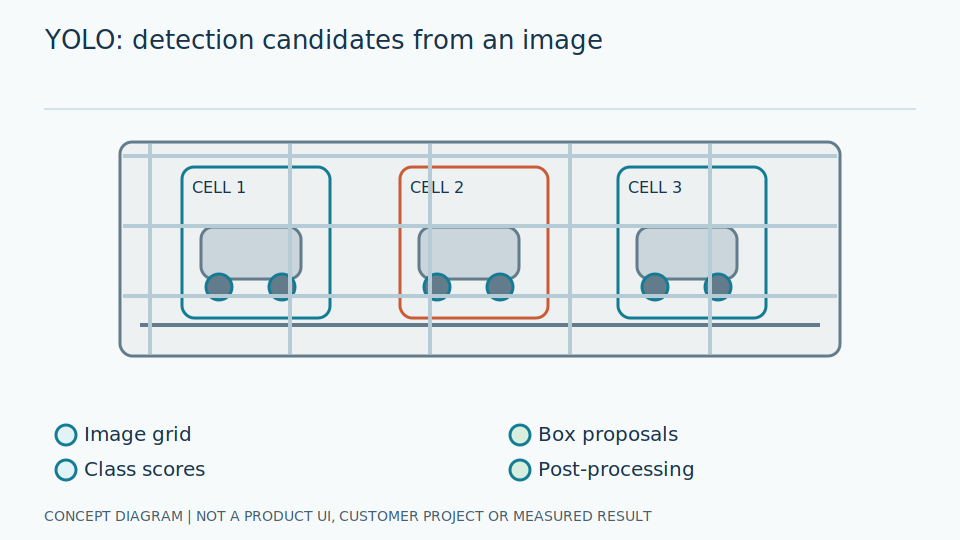
YOLO is a family of object detectors predicting locations and classes from images. The name covers different versions and developers with different architectures, output formats and usage rights. Results cannot be transferred between versions without evaluation.
For general readers, YOLO locates objects; its name does not imply universal instrument-reading ability. Typical outputs include boxes, types and scores for later processing. Similarly named versions can differ substantially. Establish which version receives which inputs and serves which role, rather than substituting popularity for evidence of suitability for particular dials or devices.
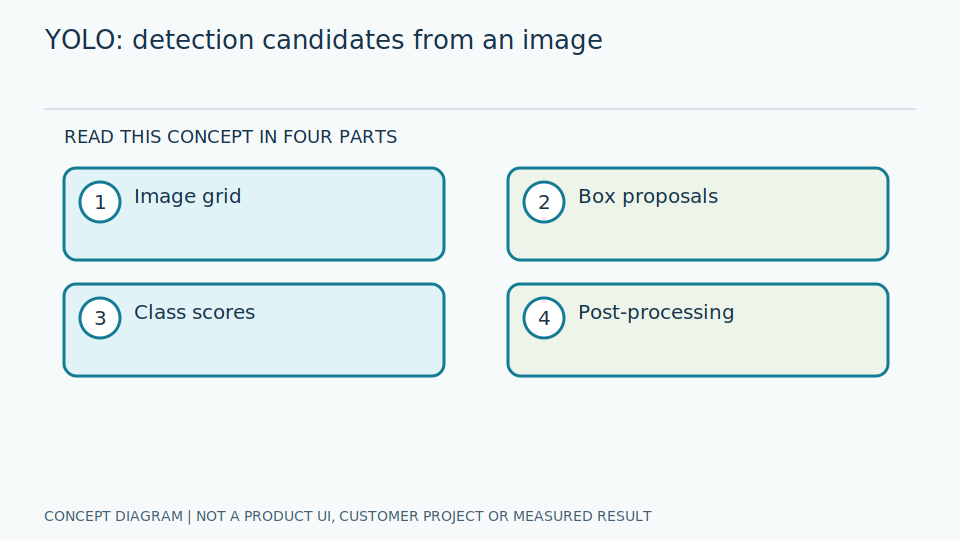
Check the selected version's raw outputs and postprocessing. Some execution paths already filter boxes while others require additional filtering; doing it twice can remove valid results. Fix image dimensions, padding, pixel scaling and coordinate restoration. Review code and weight licences separately. The original paper explains the concept, not identical conditions for every later implementation or version.
Scroll the diagram horizontally to inspect all details.
Illustrative Industrial Example
Illustrative design scenario: use a detector to locate each gauge and a separate reader to convert its pointer into a value. This article does not identify a YOLO version used by GaugeSnap or establish any particular licensing arrangement.
Suppose small gauges are detected on a large panel. Resizing may retain dial circles but erase pointers. Detection can work while reading from the reduced image cannot. Crop from the original using correctly restored coordinates and verify completeness. A convincing box overlay alone does not demonstrate reliable reading, because the scale, unit and tip still need usable visual evidence.
Compare selected weights on identical data with appropriate, explicit filtering rules. Test predictions before and after export. If results differ, inspect colour channels, padding and duplicate suppression before declaring the exported model inferior. Record weight provenance and settings with results so another team can reproduce the experiment without guessing what a short YOLO label means.
Study and Trial Workflow
- 1 Record the chosen version, model size, weights, source and licence.
- 2 Train or fine-tune with boxes that retain the details required by the reading stage.
- 3 Measure the exported runtime and NMS on target hardware, including preprocessing.
Evaluation and Metric Definitions
Report AP by gauge size, recall at the operating threshold and latency with stated resolution, batch size, precision and hardware. Developer benchmarks are not guarantees of performance in the installation being evaluated.
A benchmark reports specified test conditions, not timings every system can achieve. Batch size is the number of jointly processed images. Computational precision means numerical representation, unlike detection precision's proportion of correct boxes. Explain these meanings and timing boundaries: state whether acquisition, preparation and export are included before comparing reported latency against operational requirements.
Measure detections and regions that genuinely support reading, including empty scenes and duplicates. Break results down by target size and panel density, checking box-to-equipment association too. Collect timings during controlled continuous operation instead of selecting the easiest image. Assess exported quality and memory: a model file loading successfully does not mean its behaviour matches the version originally evaluated.
Limitations and Failure Cases
Detection boxes do not establish correct numbers or pointer angles. Small gauges may lose detail after image reduction, and a newer model version is not necessarily appropriate for existing hardware.
Good general-image results may not transfer to similar neighbouring dials or reflective metal backgrounds. Include wrong-object and image-edge cases. Version changes may alter score meanings or filtering, invalidating previous thresholds even when software still accepts the outputs. Select new settings on development data and evaluate separately, rather than carrying numerical settings across without assessment of their new interpretation.
Small models constrain resources but require careful small-target checks; large models add export and equipment costs. Consider licensing and version maintenance with total processing costs. This article guides experiments, not assertions of current platform support. Public results cannot guarantee speed, accuracy or production-line readiness without installation-specific evidence. Each proposed deployment therefore needs its own bounded evaluation rather than a promise inferred from the model family's name.
Practical Checklist
- Have code and model-weight licences been checked separately?
- Are input dimensions and NMS settings recorded?
- Are test results available for the exported model?