
Principles, Scenarios and Suitability
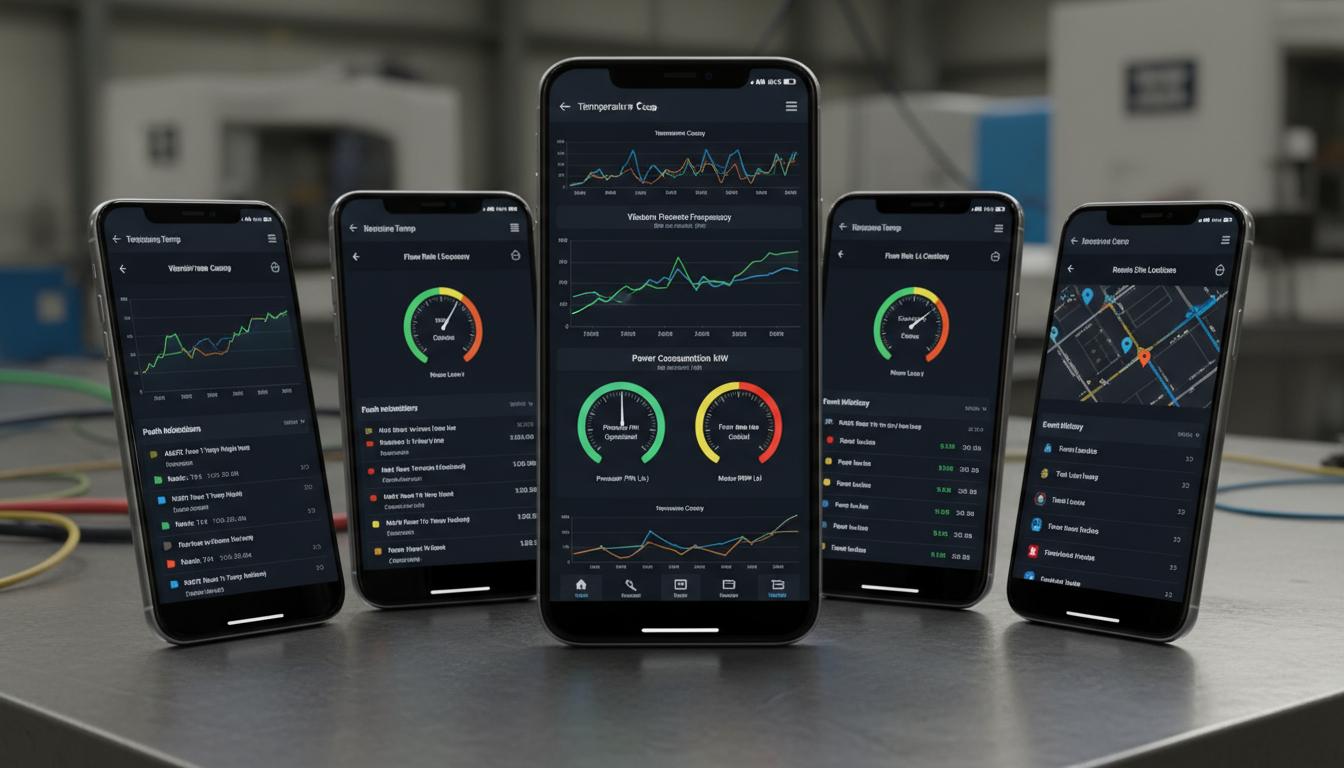
A mobile monitoring app is a channel for accessing data and events, not the source of truth for the process. Show event time, receipt time and data age. Mobile access can support monitoring outside a control room, but push notifications must not be the only protective measure against hazards.
A phone is like an updated shift log, not an observer continuously watching every machine. A tag names a data item linked to equipment; stale means too old for the intended decision. The latest available number can look normal after conditions have changed. Make data age visible before status colours, and distinguish reading a message from checking the site.
Separate event occurrence, ownership, investigation and closure, with evidence for each stage. Reducing notifications can prevent fatigue but may hide important events. Agree severity levels and shift responsibilities with the process owner. Remote convenience must not grant access to every site's information or control permissions that have never been assessed.
Scroll the diagram horizontally to inspect all details.
Illustrative Design Scenario
Illustrative design scenario: an operator sees the latest tank level with a stale-data label when connectivity fails. They can acknowledge an event and hand it over to the next shift. Acknowledgement means someone has seen the message, not that the event has been resolved.
Suppose a level reading originates at 09:00 and reaches the phone at 09:05. The screen must show that it is five minutes old, not measured when opened. If the task requires fresher information, contact the local controller rather than deciding from a frozen value. The freshness threshold must be designed for the task; this example promises no delivery time.
At handover, the next person should see open events, their current investigator and contact notes. Do not close an event merely to clear the screen. Any proposed handover feature should be tested when two people respond simultaneously or one is offline, so that ownership is not lost and closure is not duplicated without inspection evidence.
Inputs and Prerequisites
Define tags, user roles, site boundaries, notification channels and personal-device policies. Prepare separate test accounts for viewers, people who acknowledge events and people authorised to approve actions.
Each event needs an identifier unchanged by retransmission, a source timestamp and a site name people understand. Test accounts should expose no unnecessary real personal information and should have the same permission boundaries as the roles being assessed.
Separate data condition from operational progress on screen: a reading may be unavailable while someone has already accepted the investigation. Show network loss explicitly. A single label such as complete must not stand for both successful message delivery and successful resolution of the physical event.
Trial and Integration Workflow
- 1Begin with a read-only API and verify permissions down to individual resources.
- 2Show timestamps, data quality and offline status without presenting cached values as current.
- 3Test acknowledgement, shift handover, logout and device revocation as separate operations.
Evaluation and Acceptance Criteria
Measure event-to-screen time separately from push transmission time. Check duplicate, missing and out-of-order messages while network connections change. Acceptance should cover data permissions and stale states, rather than assessing only whether the interface feels responsive.
Use simulated events with the screen locked, the app in the background and the user switching networks. Check that delayed messages do not make an old event look newly occurring. Include handover after a shift change rather than testing only one continuously connected account.
Ask users to explain from the screen what remains unknown and whom they should contact. If green is interpreted as confirmation that the site is safe, revise wording or layout before acceptance, even if the technical connection has passed. Understanding is part of validation, not an optional visual preference.
Scroll the diagram horizontally to inspect all details.
Failure Cases and Limitations
Operating systems may suspend apps, disable notifications or restrict background work. Lost phones and screenshots introduce data risks. Any remote-control commands require a separate assessment; having an app does not imply that it can or should operate machinery.
Offline storage supports historical access but places more information on personal devices. Agree retention periods, logout behaviour and lost-device procedures with the data owner. Do not track user location without a necessary purpose, and consider what remains readable when a device loses connectivity.
Some users have no signal or cannot use a phone while working. Provide an appropriate alternative for receiving events and handing over duties. Multiple notification channels are a design proposal, not a claim that a service is deployed or that every message will arrive.
Practical Checklist
- Are old readings clearly timestamped and labelled?
- Can sessions on a lost device be revoked?
- Is acknowledgement separate from closing an event?